M47 SCREENSAVER.
Turn your display into a console that keeps changing.
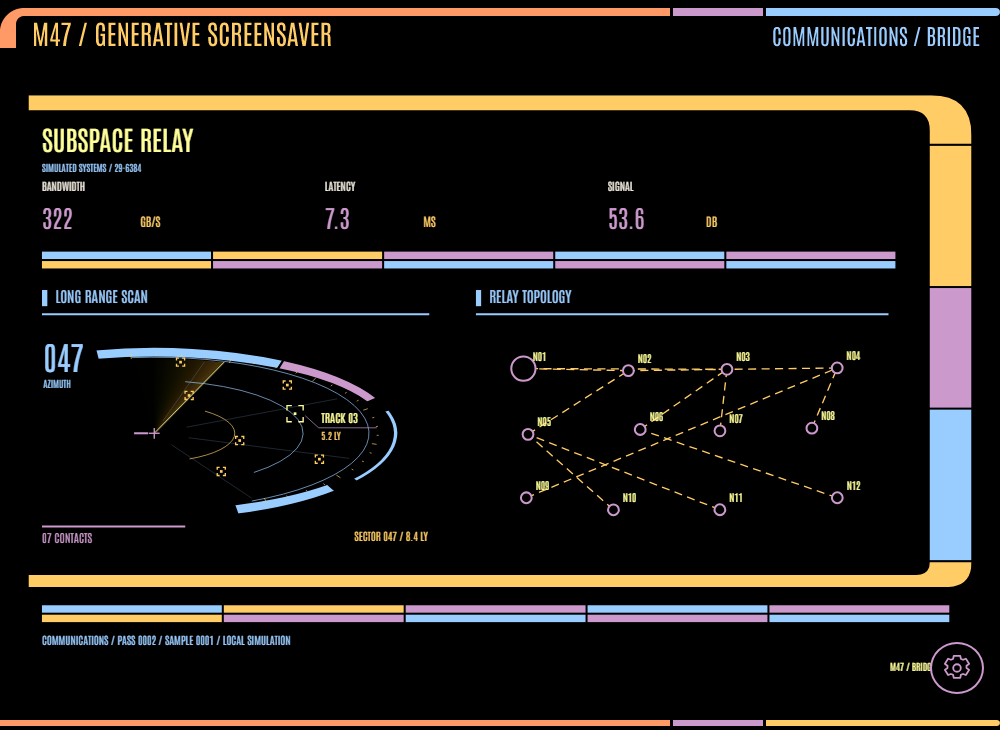
Navigation, engineering, science, and seventeen more purposes. Eight layouts and eight palettes. Sweeping scans, stellar cartography, reactor displays, and dedicated operations instruments, with every reading labeled as simulated.
MAKE YOUR OWN MIX.
Choose your station.
Pin a purpose or cycle through all twenty. Switch between eight frame compositions and eight palettes, independently.
Set the pace.
Choose scene timing, brightness, and full, slow, or still motion. Pause freezes the instruments and readings; reduced motion starts still.
Keep controls close.
The circular gear opens the controls. The circular X minimizes them. Space pauses, N advances, and F enters fullscreen in the browser.
A DISPLAY FOR YOUR DESK.
SIMULATION FIRST.
Optional public observations appear in a separate source-labeled band: a UTC clock, USGS earthquakes, or NOAA space weather. Feeds are off by default. Instruments remain simulated, and hidden tabs stop motion and feed requests.